
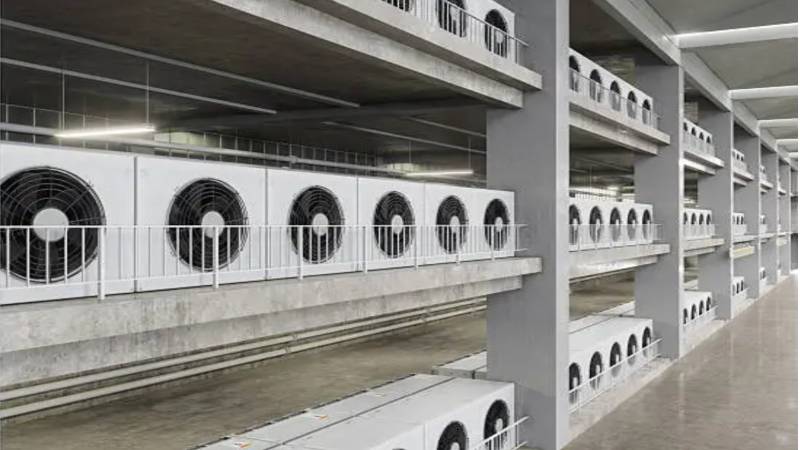
Managing a commercial facility means overseeing countless moving parts, but one of the most critical is the IT and electrical infrastructure. Modern servers, telecommunications gear, and industrial control panels generate massive, continuous heat loads.
Without proactive Thermal Management, these enclosed systems quickly reach critical temperatures. This triggers Thermal Throttling, where processors artificially slow down to prevent melting, dragging down your entire network’s performance.
According to experts in data center thermal management, unchecked heat is the leading cause of hardware degradation. Prolonged exposure to high temperatures bakes circuit boards and dries out capacitors, drastically shortening equipment lifespans.
The ultimate cost of ignoring heat loads isn’t just a burnt-out fan. It results in catastrophic hardware failure, unexpected downtime, and massive revenue loss for the business relying on that infrastructure.
Selecting Industrial-Grade Enclosure Cooling Systems
When upgrading a facility’s thermal management system, sourcing components designed for continuous industrial operation is non-negotiable. Standard consumer fans simply cannot survive the harsh environments of telecom enclosures or manufacturing control cabinets.
For enclosed commercial setups, engineers heavily rely on professional-grade ACDCFAN AC axial fans that feature all-metal designs and high-temperature resistance (up to 150°C). Utilizing these purpose-built ventilation solutions ensures optimal airflow while drastically reducing the risk of motor failure during peak loads.
Relying on cheap, plastic fans for mission-critical infrastructure is a dangerous gamble. True industrial-grade cooling solutions are built differently to handle relentless 24/7 operations.
- All-Metal Housing: Resists warping and cracking under extreme temperature fluctuations.
- High-Temperature Resistance: Rated to operate in environments where ambient heat easily exceeds 100°C.
- Dual Ball Bearings: Provides superior rotational stability, offering lifespans exceeding 50,000 hours.
Active Airflow Strategies: Axial vs. Radial Ventilation
Simply throwing a fan into a cabinet is not a strategy. Facility managers must understand how to direct air efficiently through dense equipment to maximize heat dissipation.
When to Use High-Volume Airflow
In spacious server racks with clear airpaths, moving a large volume of air quickly is the primary goal. This is achieved using a Push-Pull Configuration with axial fans.
By placing intake fans at the bottom of the enclosure and exhaust fans at the top, you leverage natural convection. The lower fans push cold air in, while the upper fans pull the rising hot air out.
- Intake Strategy: Draw cool, conditioned air from the floor or lower room level.
- Exhaust Strategy: Expel heat through the roof or upper rear panels.
- Clearance: Ensure cables and blanking panels are properly managed to avoid blocking the airstream.
Dealing with High Static Pressure
Not all cabinets are spacious. Many electrical control panels are densely packed with breakers, wiring ducts, and transformers, leaving very little room for air to flow.
This creates High Static Pressure—a strong resistance to airflow. In these scenarios, standard axial fans will simply spin without actually moving air through the congested space.
To overcome this, you need radial fans or high-pressure axial fans specifically engineered with steeper blade pitches. These fans forcefully drive air through tight obstructions, ensuring that deeply embedded components receive vital cooling.
Environmental Threats and Protection Standards
Cooling your equipment is only half the battle; protecting it from environmental contaminants is equally critical. In industrial or semi-outdoor settings, telecom enclosures and control cabinets are constantly exposed to dust, moisture, and airborne debris.
When selecting any ventilation equipment or electrical housing, facility managers must strictly adhere to the IP code (Ingress Protection) rating standards. A minimum rating of IP55 or higher is typically required to ensure that fine dust and water jets cannot penetrate the housing and cause internal short circuits.
Unfiltered fans act like vacuum cleaners, sucking metallic dust and humidity directly onto sensitive motherboards. To maintain safe and clean cooling:
- Install Filter Fans: Equip intake vents with washable or replaceable poly-fiber mats.
- Regular Maintenance: Schedule quarterly filter replacements to prevent airflow blockage.
- Condensation Management: Use anti-condensation heaters alongside fans in highly humid environments.
Key Takeaways
| Area | Key Takeaway | Impact/Data |
| Hardware Risk | Prevent thermal throttling and degradation | Avoid catastrophic failure and downtime |
| Fan Specs | Procure all-metal, dual ball-bearing fans | Withstands 150°C; lasts >50,000 hours |
| Open Racks | Implement push-pull convection cooling | Bottom intake, top exhaust |
| Dense Cabinets | Deploy radial or high-pressure fans | Overcomes high static pressure |
| Environment | Enforce IP55 rating and filter use | Mandates quarterly filter replacements |
Conclusion: Protecting Your Infrastructure Investment
Effective thermal management is the silent backbone of any reliable commercial facility. A proactive approach to cooling and environmental protection ensures that servers run at peak efficiency and control panels remain safe.
Upgrading to industrial-grade fans, implementing strategic airflow configurations, and adhering to strict ingress protection standards are not optional luxuries. They are fundamental necessities.
By investing a fraction of your budget into professional enclosure cooling today, you save tens of thousands of dollars in emergency repairs and catastrophic downtime tomorrow.